How to create a course
Creating your first course.
This tutorial will show you how to create your a course on inflowkit.
step by step instructions
- On the side menu, click on courses
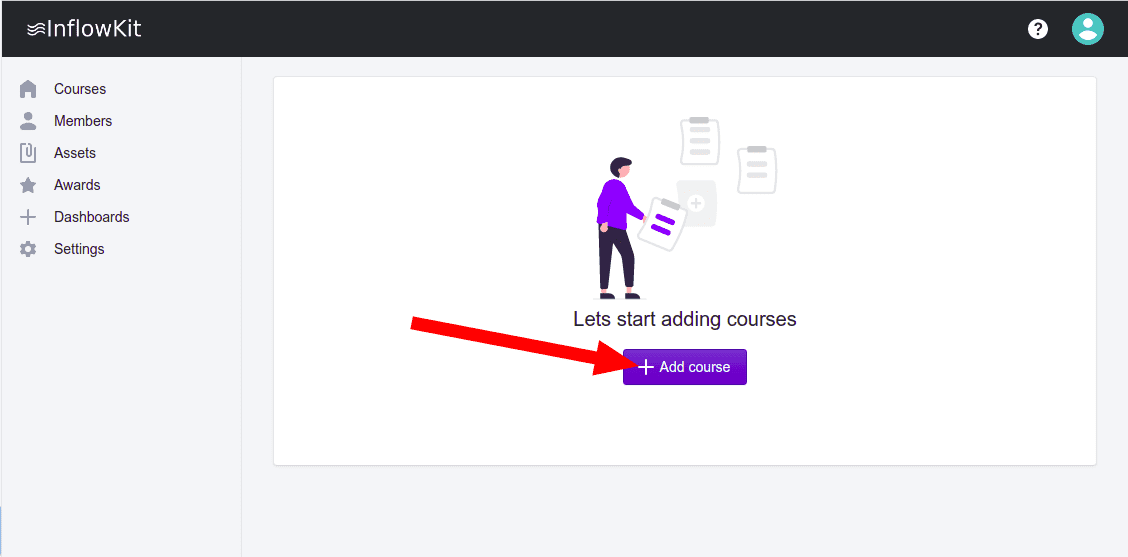
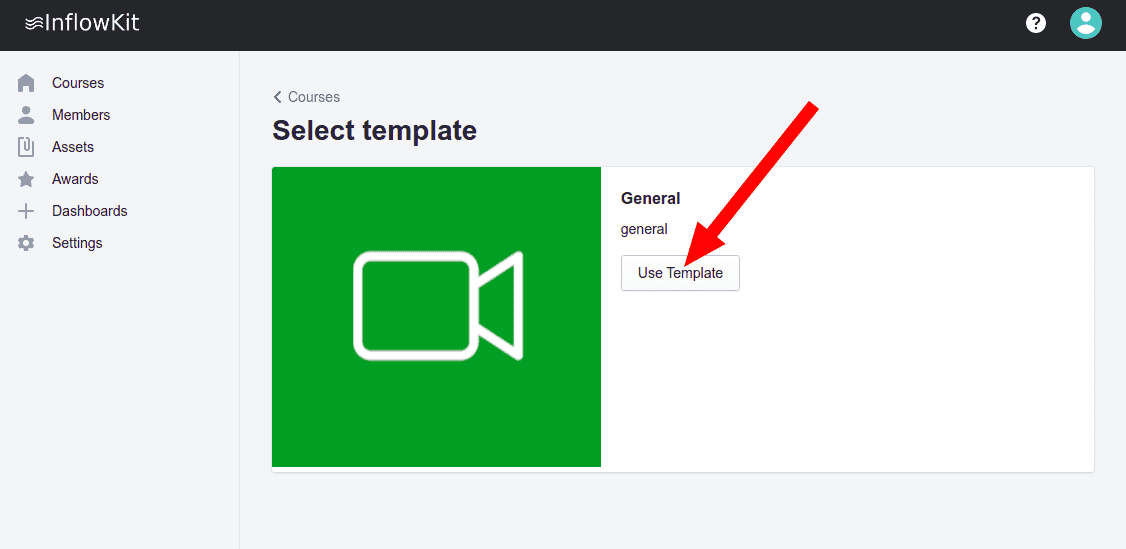
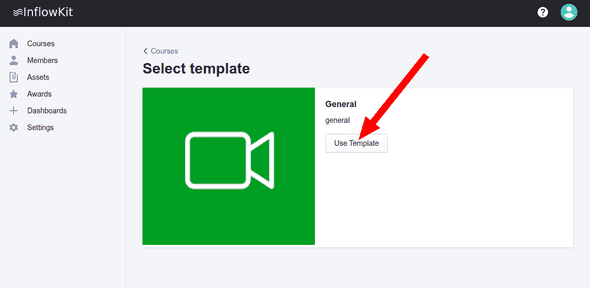
- Courses are created from existing templates. Once the templates have loaded select a template to use and click “Use template” button.
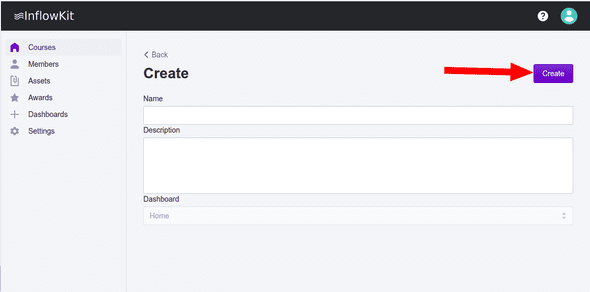
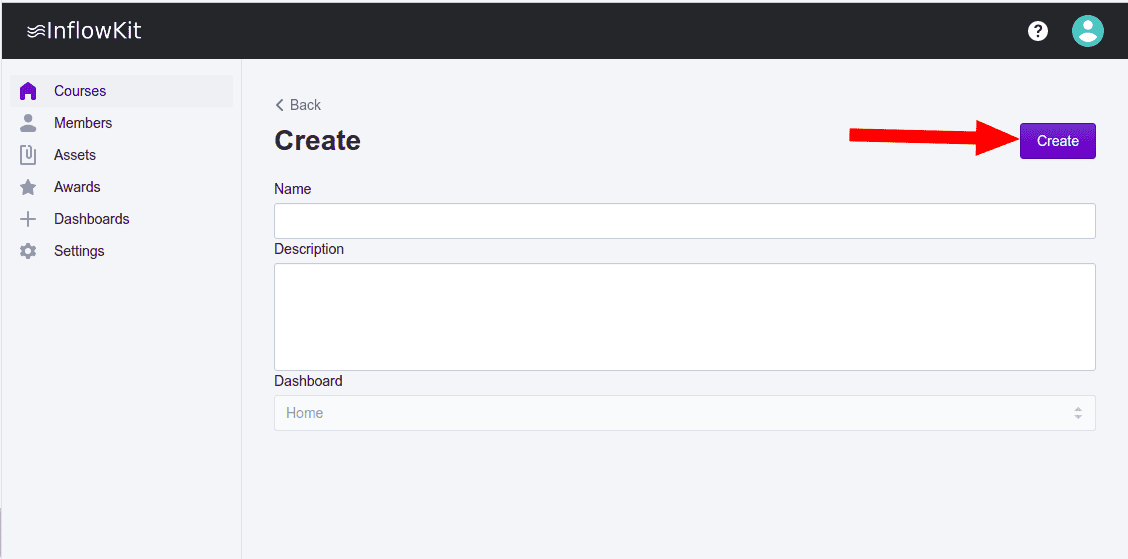
- Give the course a name and description, click create button as shown below.