How to edit course details
Published on 1/2/2020
Update Course details
- Open course that you would like to edit and click settings button as shown below.
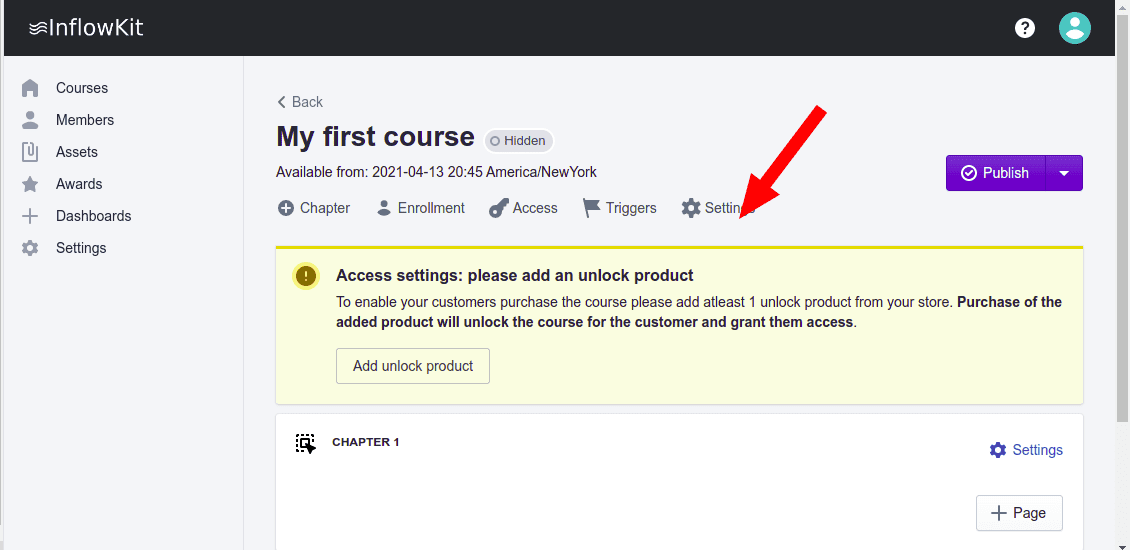
- On the course settings page, select
Detailstab.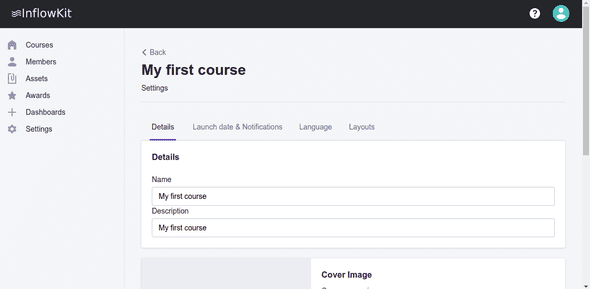
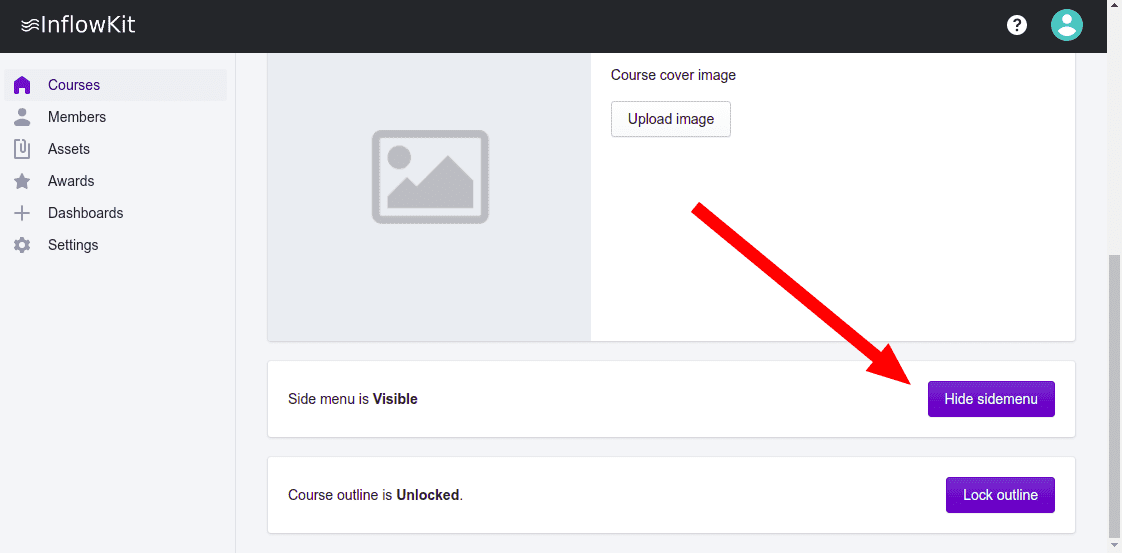
- You can hide/show course menu by clicking
Hide sidemenubutton as shown below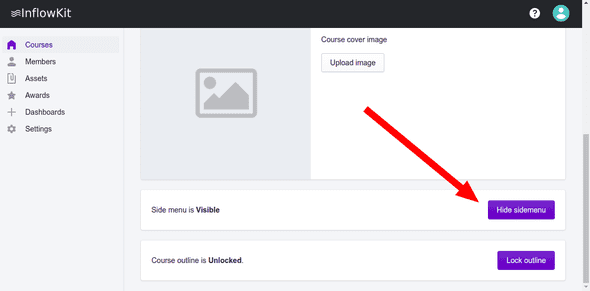
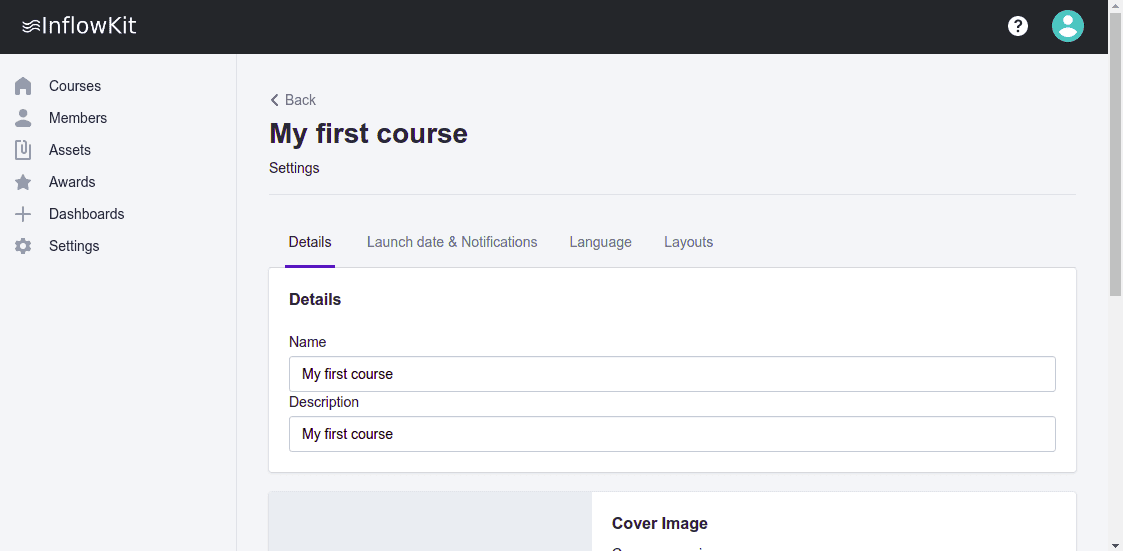
- You can now change the
Nameanddescriptionof the chapter. You can also update or add a cover image by clickingUpload imageon the cover image section, as shown above.