How to sell courses and products as subscriptions
How to sell courses and physical products as subscriptions
Step 1: Create selling plan group
-
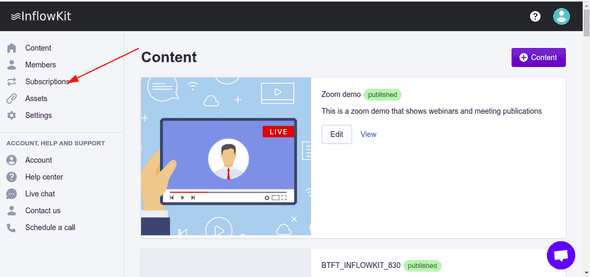
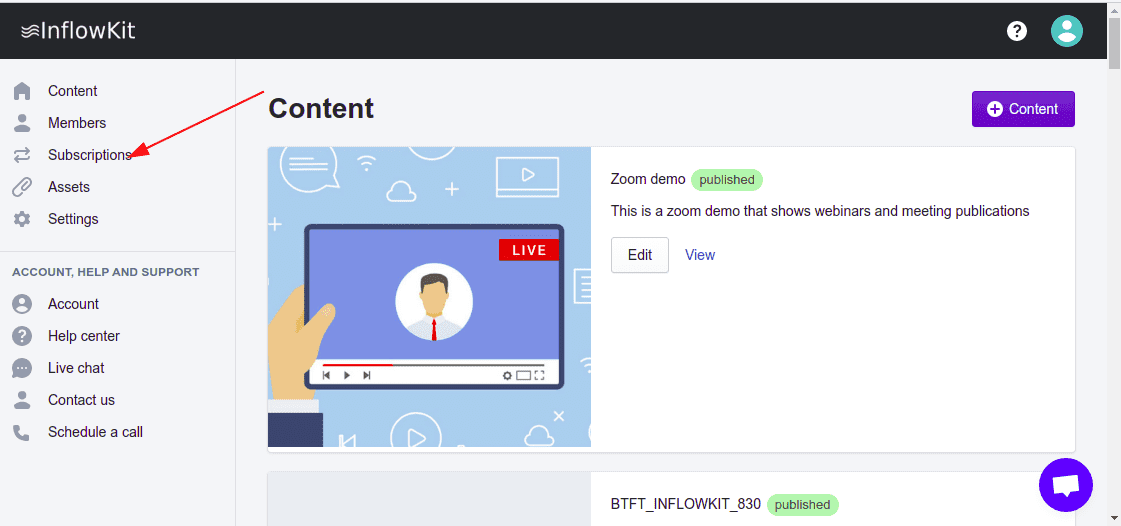
Select Subscriptions on the left side menu
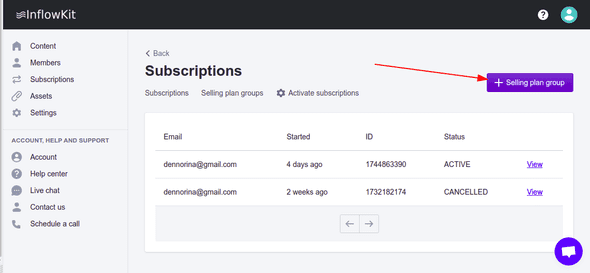
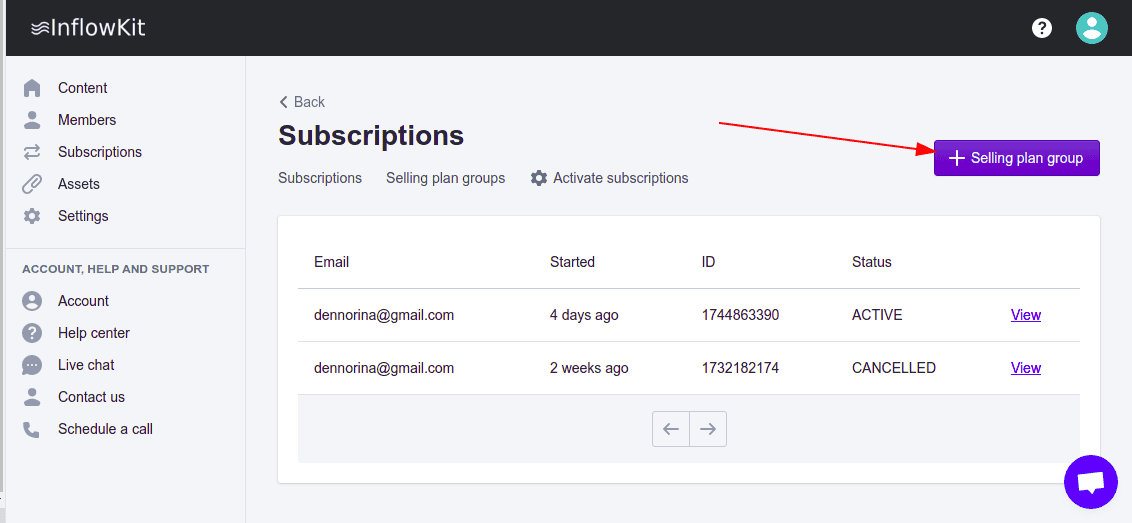
- Click the + Selling plan group button.
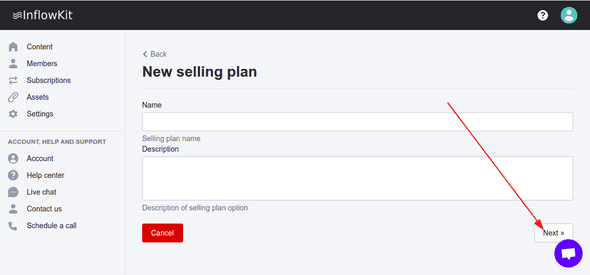
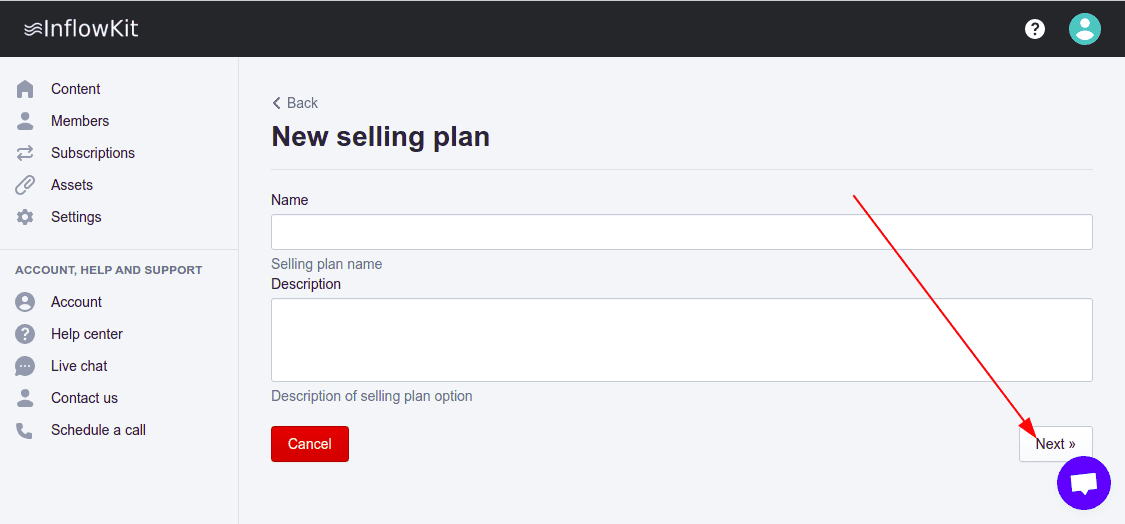
- A wizard form will show up . Fill out the wizard by entering all required details, click Submit at the end of the wizard.
Step 2: Add courses to selling plan group
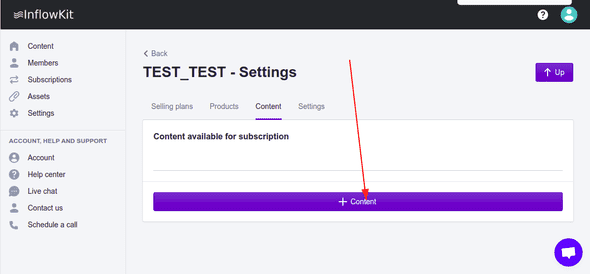
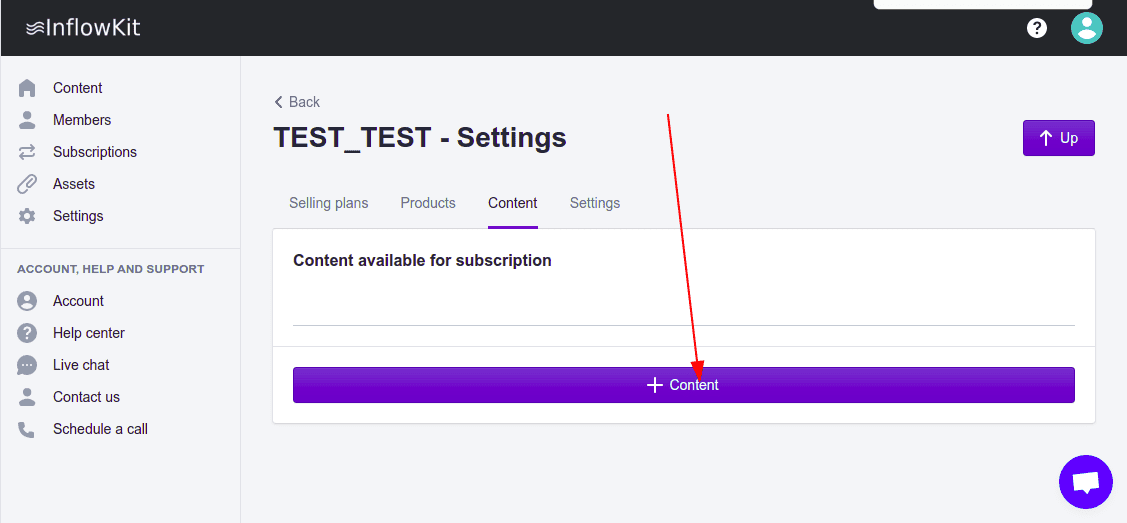
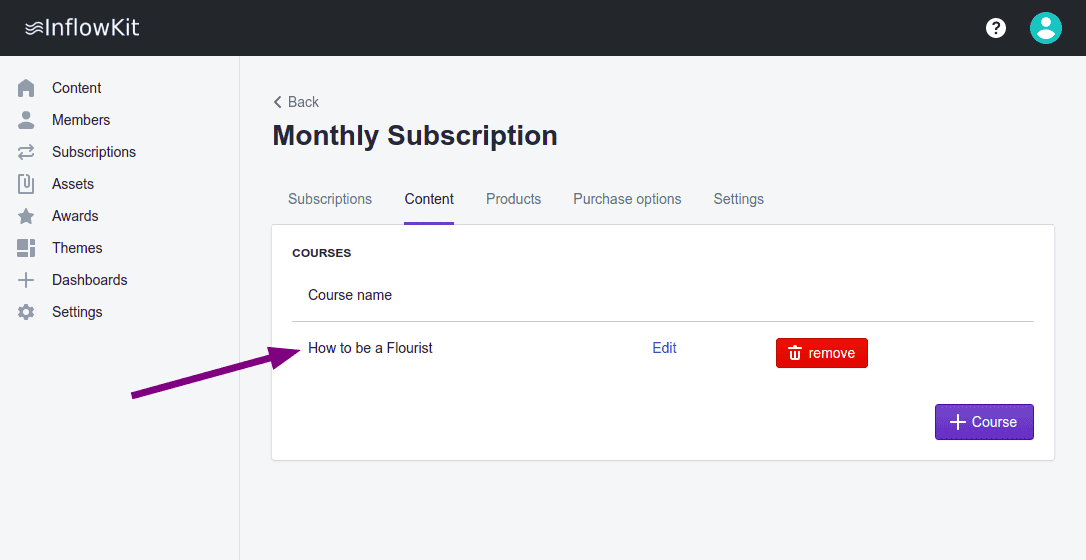
- On the content tab click +Content
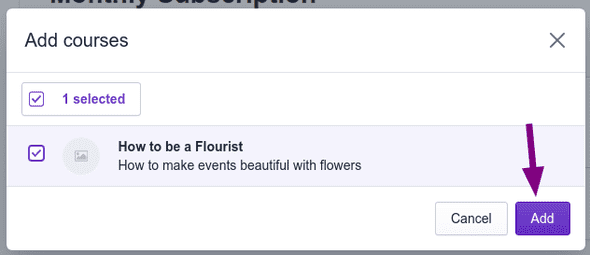
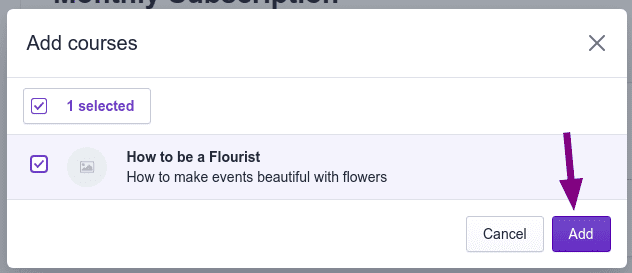
- On the dialog, select courses and click Add
-
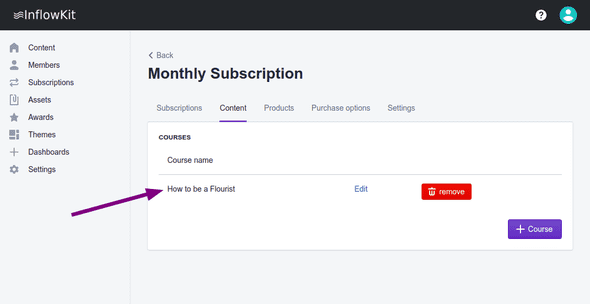
When the content is successfully added, it’ll appear here.
Step 3: Add products to selling plan group
Products that will be added to a selling plan group will be available on subscriptions basis
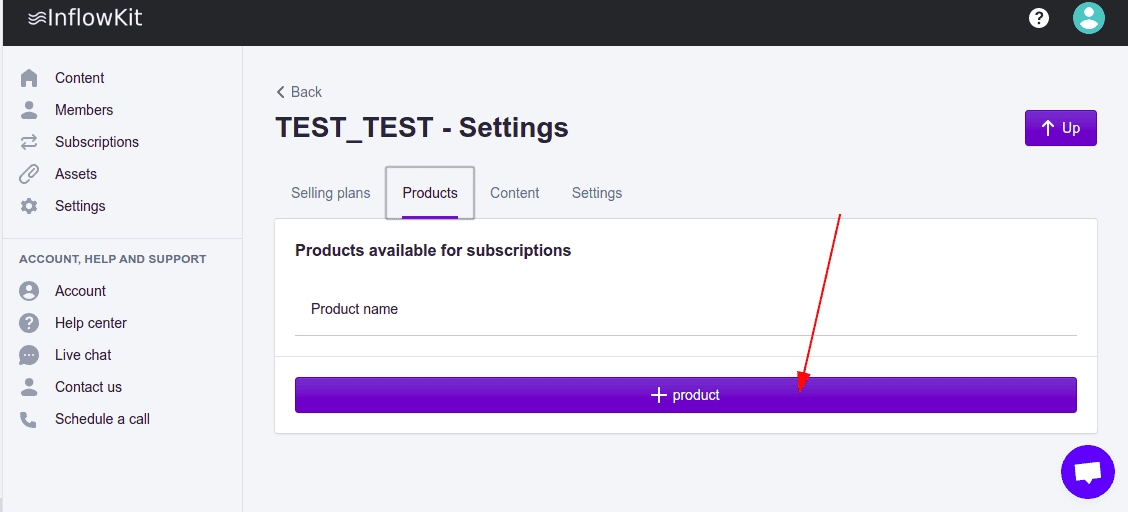
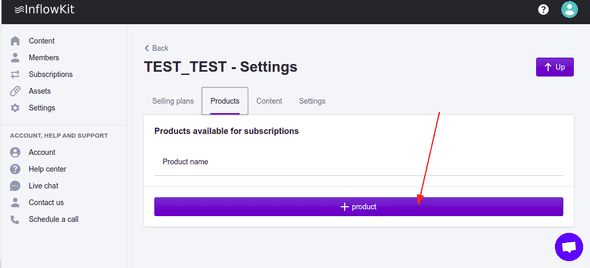
- On the Products Tab, click +Product button on the bottom left.
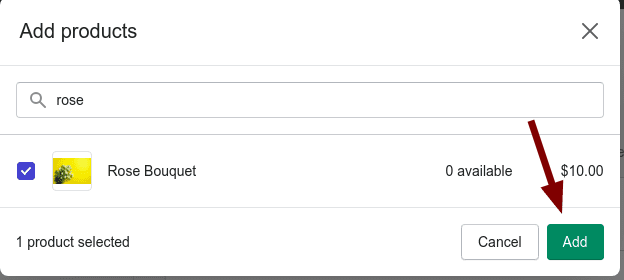
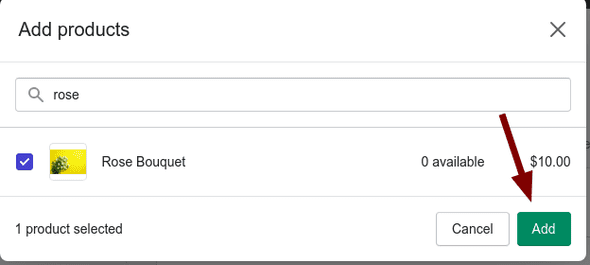
- A pop up will appear, select your product and click Add.
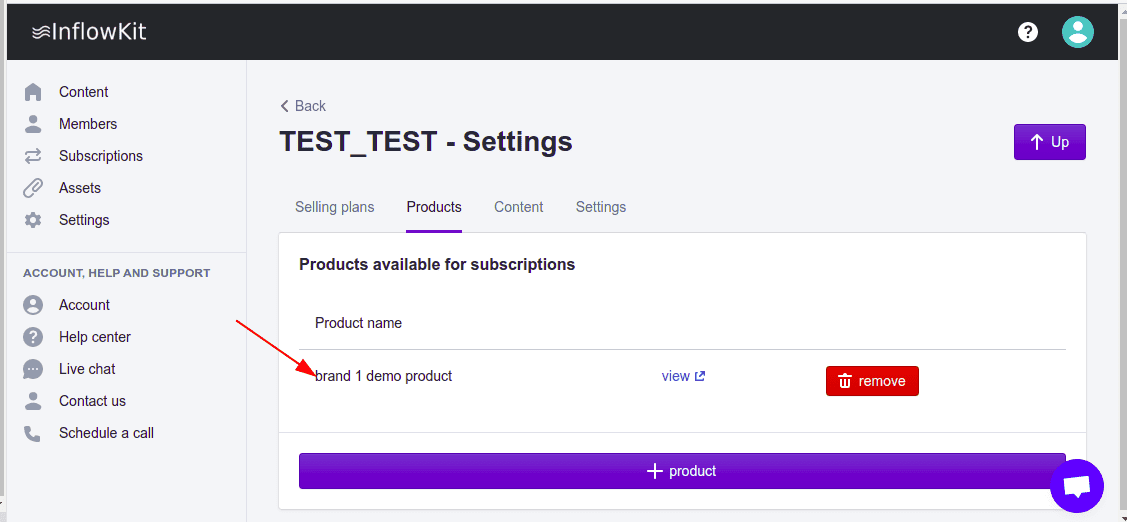
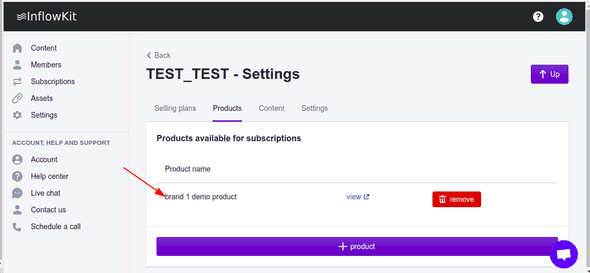
- Notice that the added product will appear. This product now is linked to this selling plan.
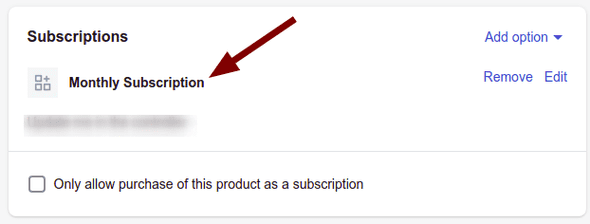
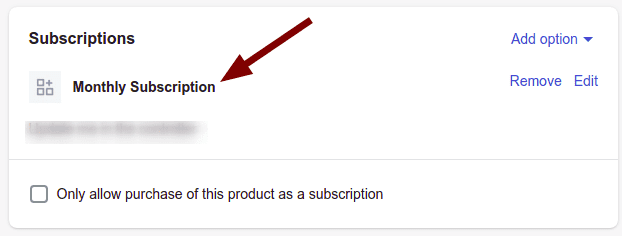
- Next steps, head over to shopify product page, scroll to the bottom and verify that the selling plan
has been linked to you product.