Update or delete a selling plan
Note:
- Selling plan is a purchase option.
Prerequisites:
- An existing selling plan group review how to create a selling plan
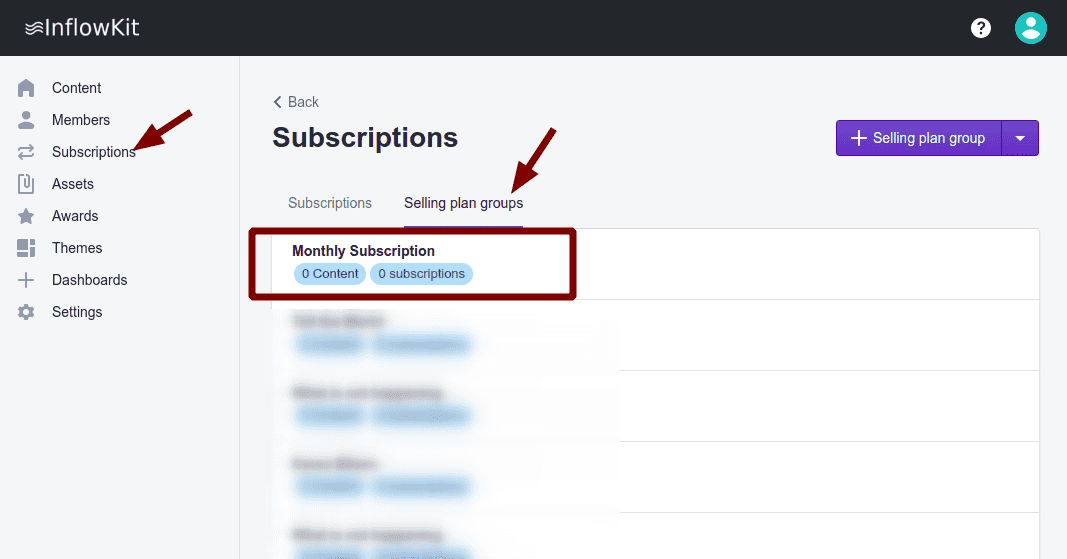
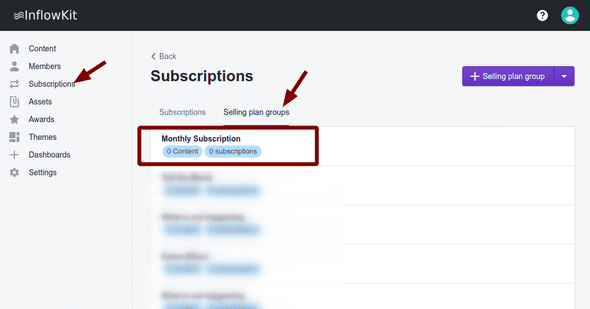
- On the left side menu click Subscriptions and on the Selling Plan groups Tab, select the selling plan group you’d like to a purchase option to.
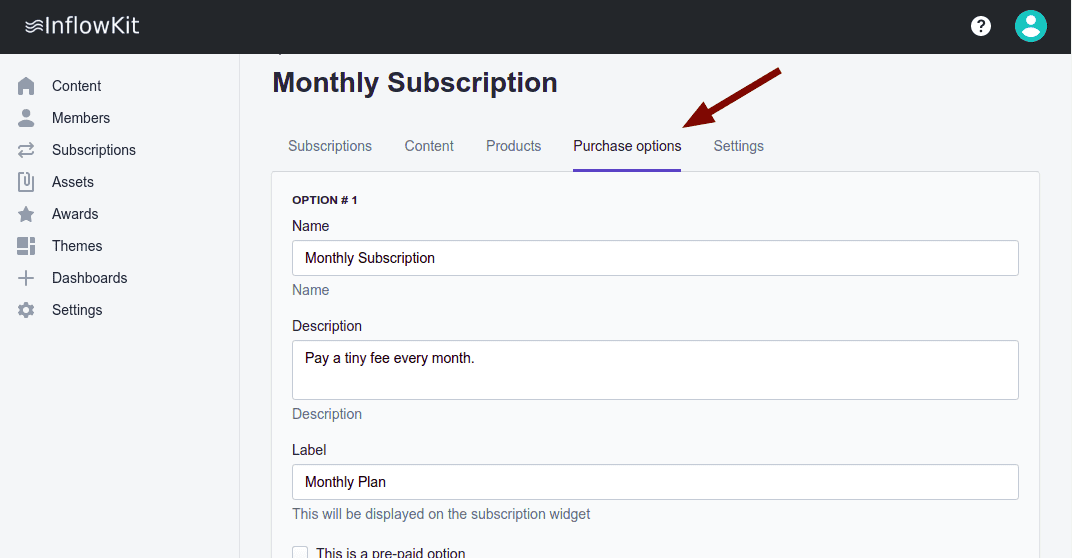
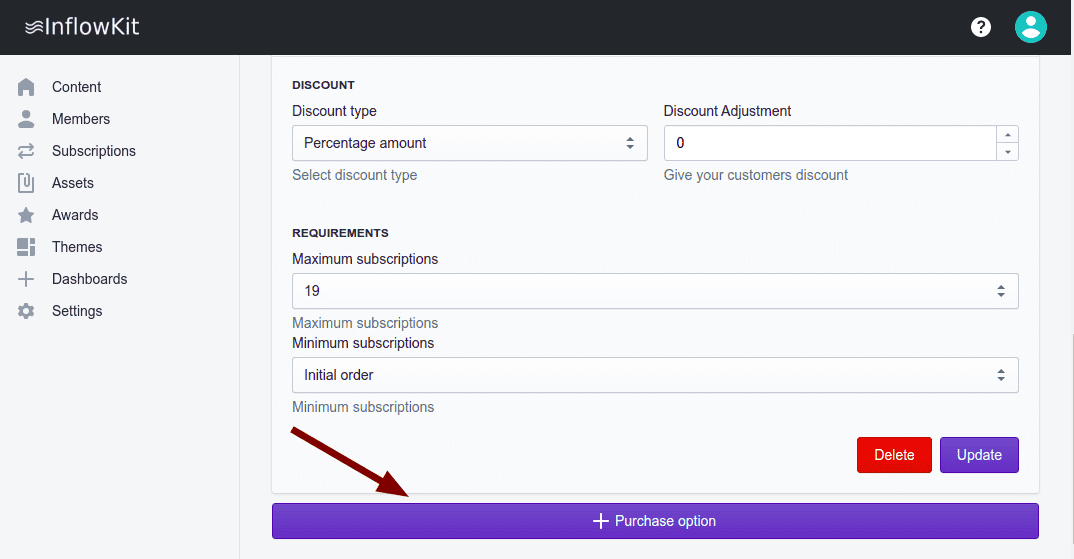
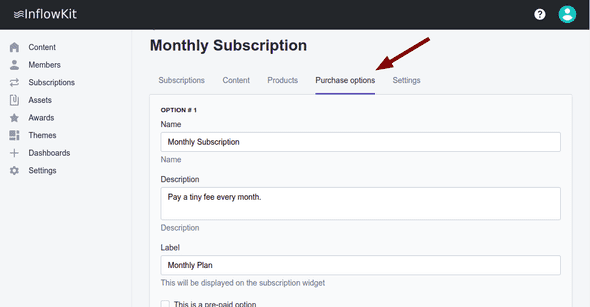
- on the Purchase options tab, make any changes you need to then, scroll all the way to the bottom.
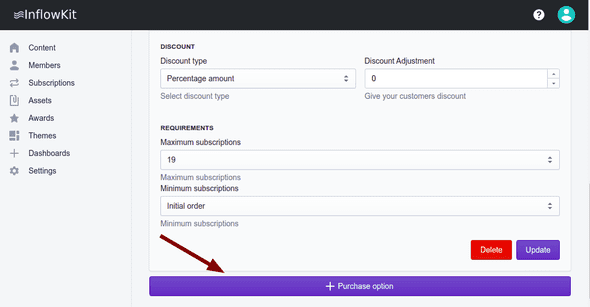
- Here you can click Update or Delete as required.