Upload video files
Learn how to upload video files
Published on 1/2/2020
Add youtube videos
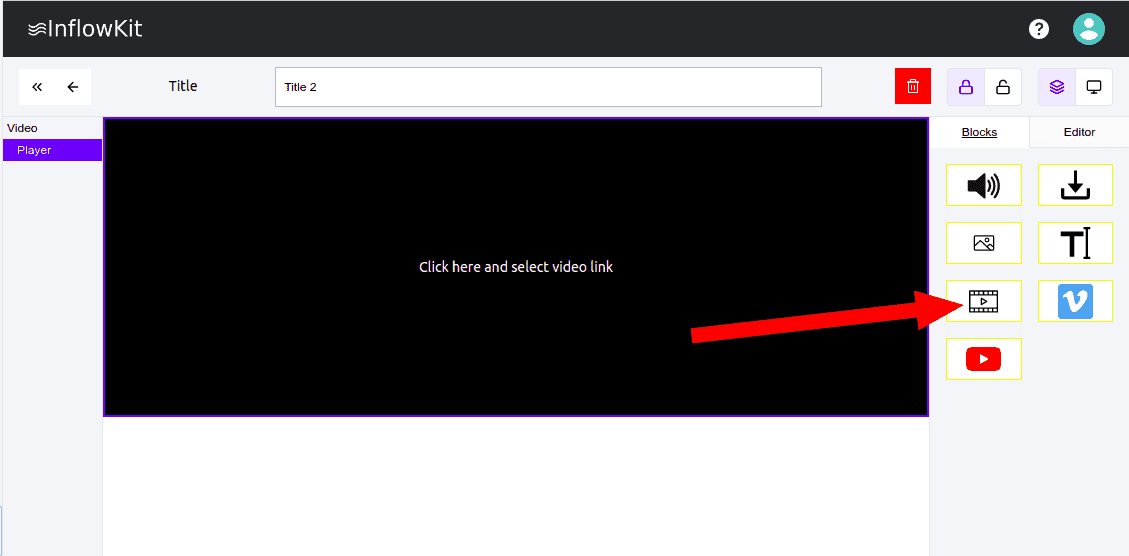
- Open page that you would like to add video file. Click the video icon as shown below
- Click the newly created element as shown below
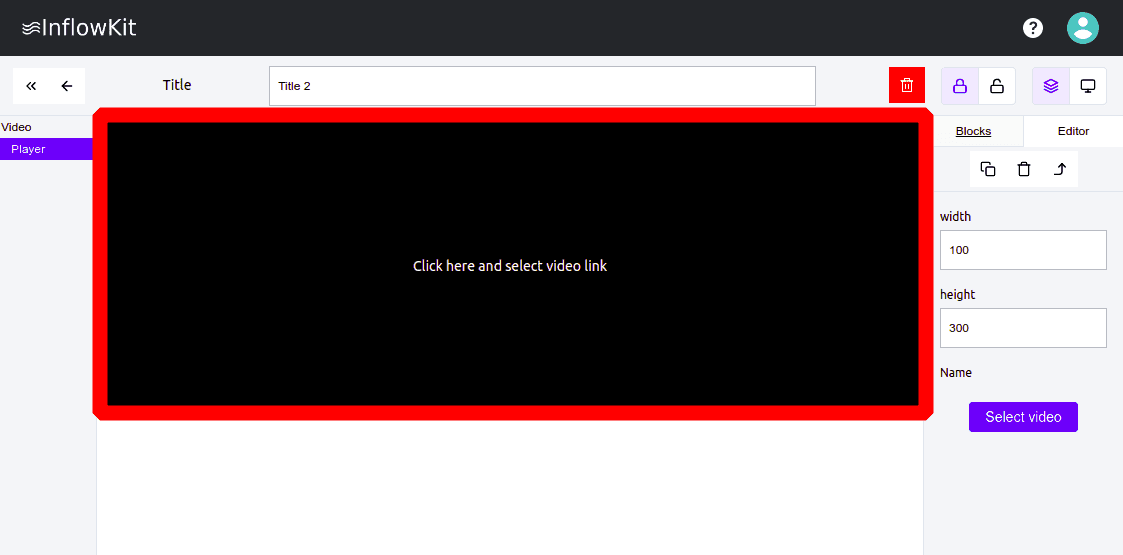
- Click the newly created element as shown below and enter details on the right
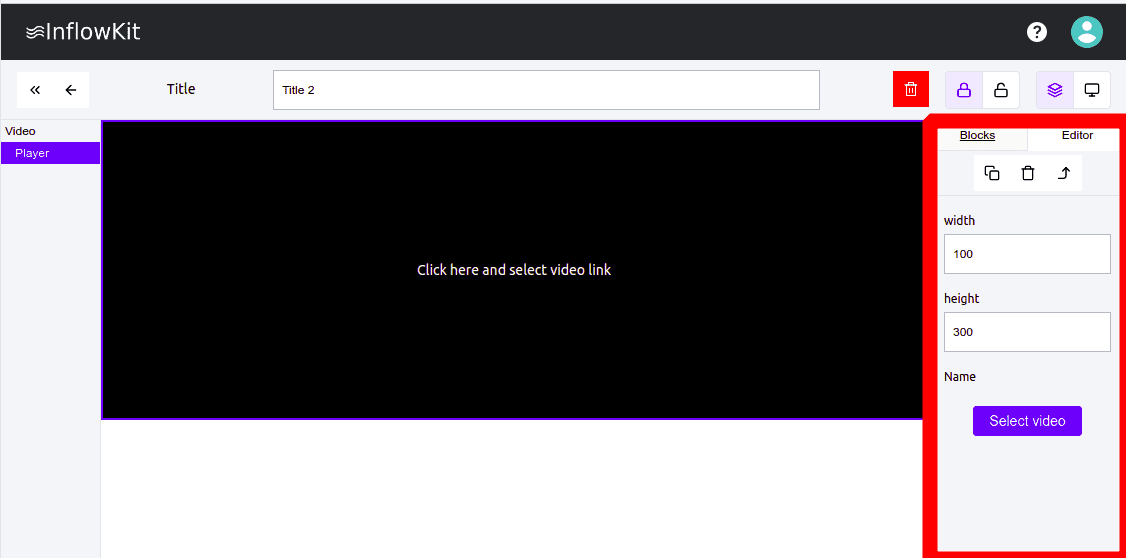
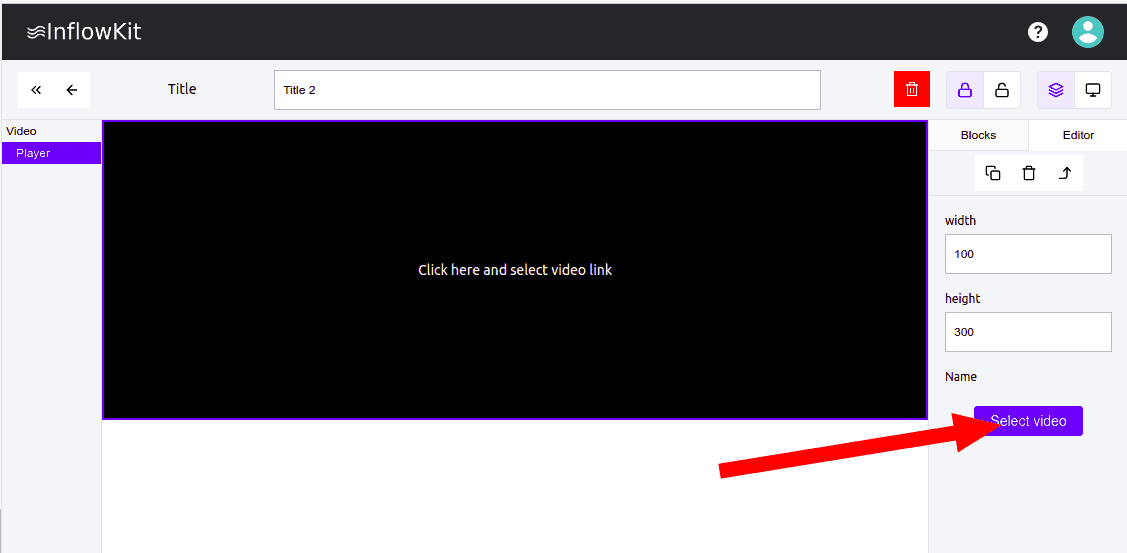
- Click the
Select video buttonon your right as shown below
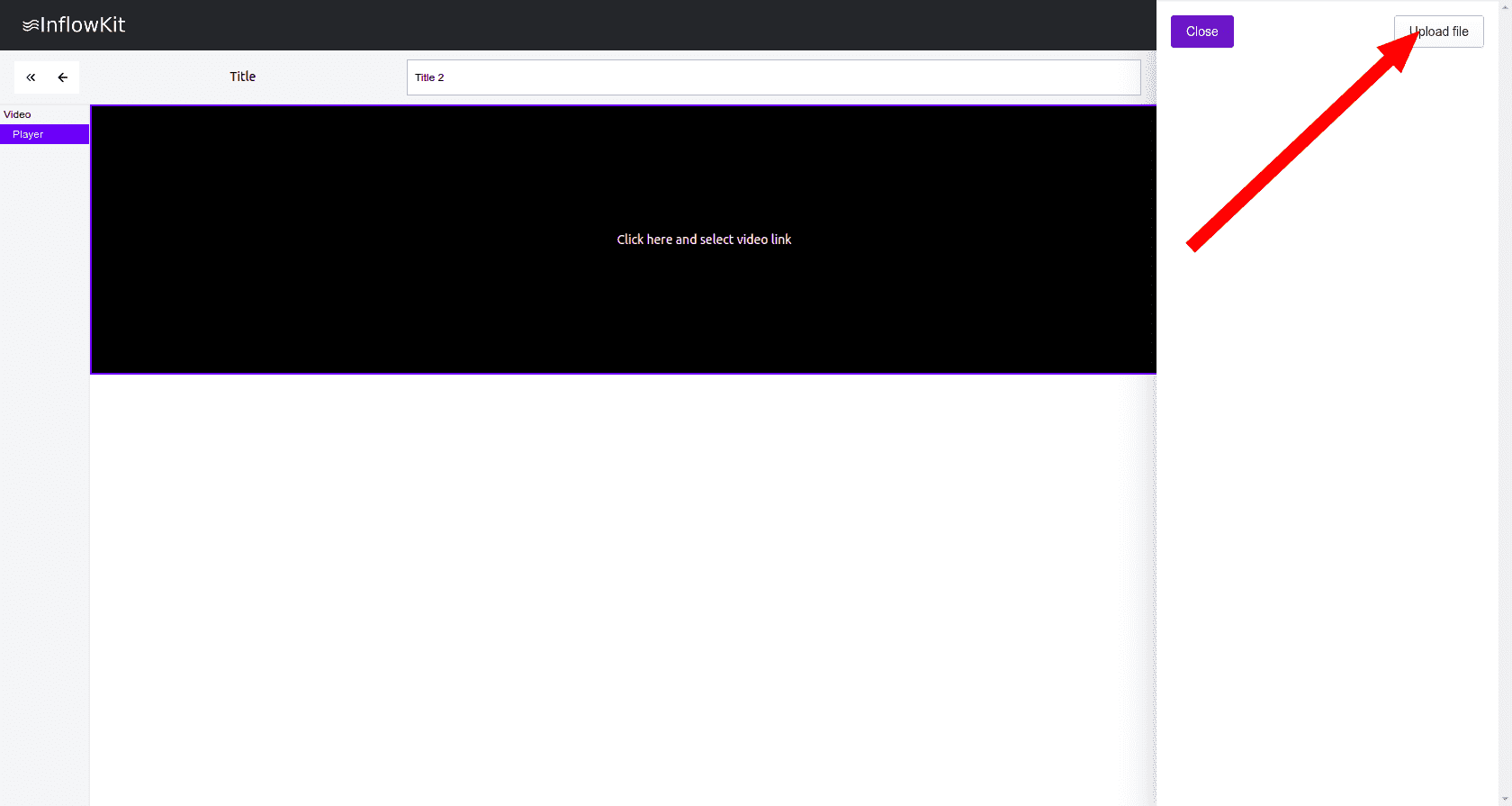
- Click the
Upload file buttonas shown below and select your file.