Youtube - How to add youtube video
Learn how add youtube video
Published on 1/2/2020
Add video upload
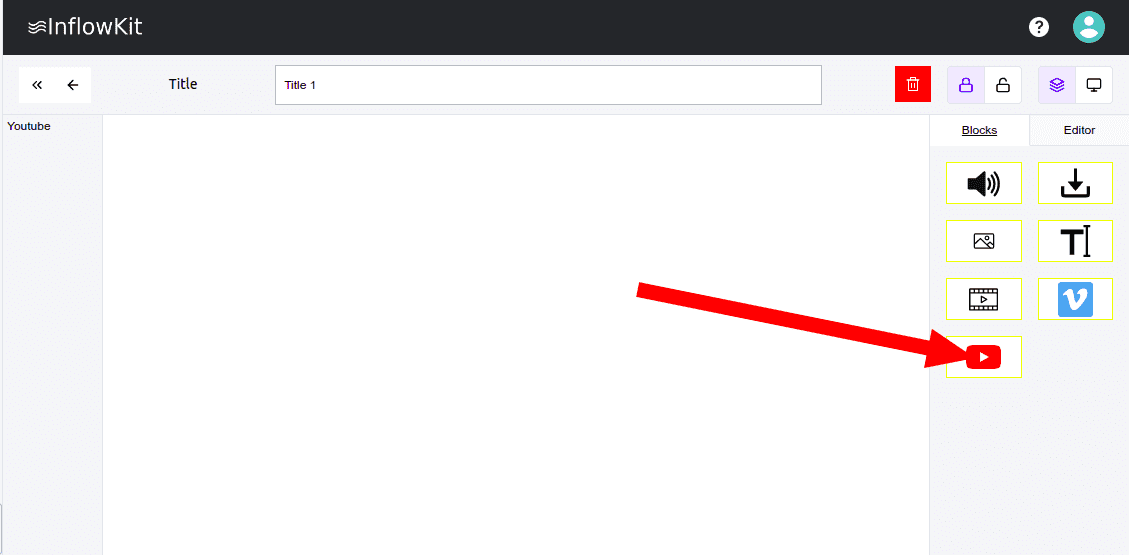
- Open page that you would like to add youtube video and drag the youtube icon from the blocks tab on your right as show below a new element will be created.
- Click the newly created element as shown below .
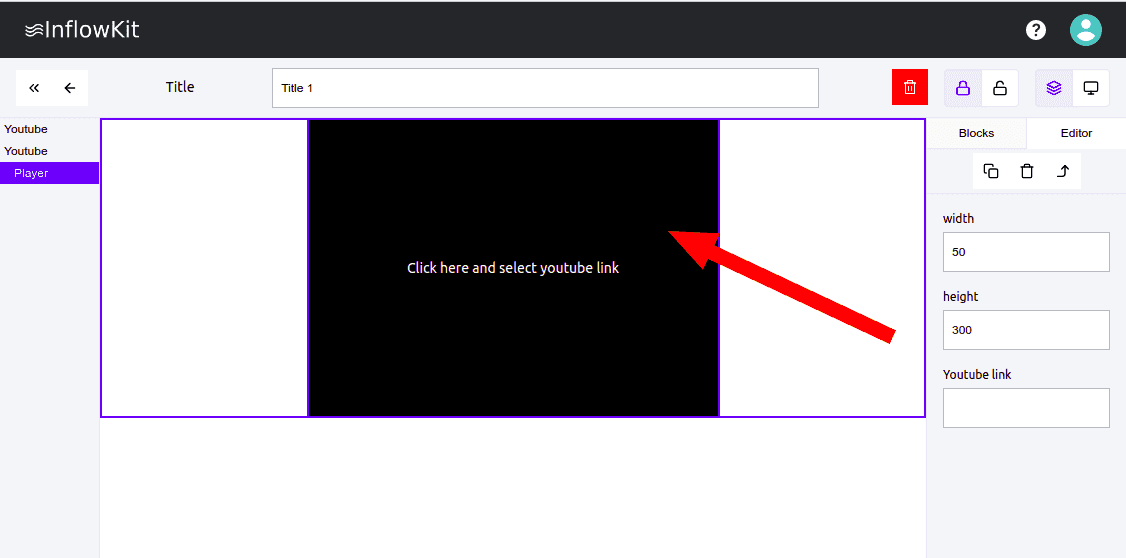
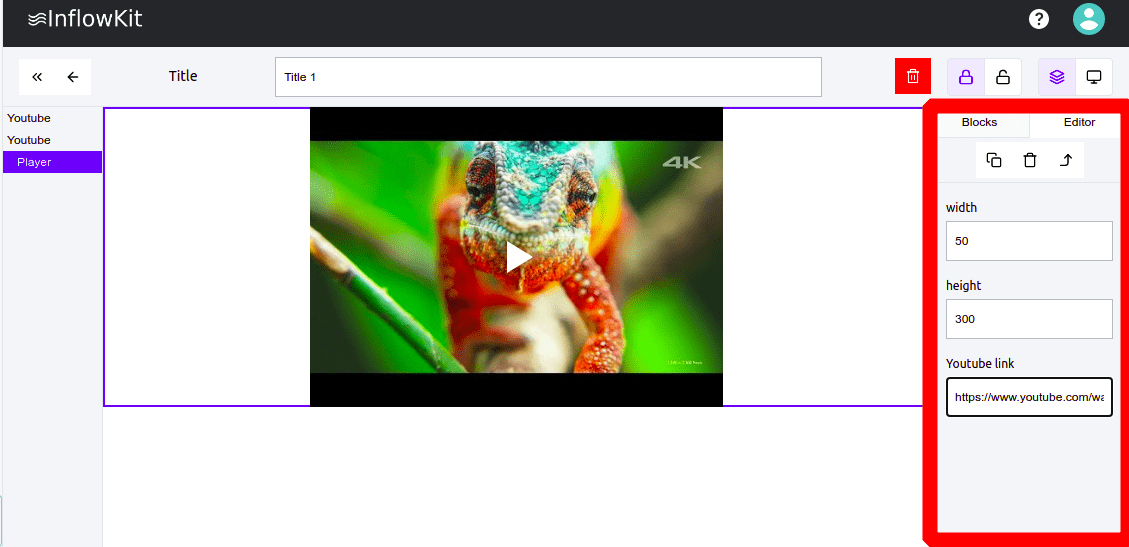
- On the right side enter video details such as youtube url ,width(%),height(px)